SpriteFrameCutter
A downloadable tool for Windows
🎉 Free Base Version (v1.2) – All Core Features Included
This project is now completely free! You can download v0.56.zip with no payment required at all. Every essential tool for editing and managing sprite atlases is included here and will stay free forever.
❤️ Recommended: Upgrade to Pro (v1.4) to Support Further Development
If you enjoy this tool and want powerful upgrades—including the built-in pixel editor (Dotto Tile Editor), painting hotkeys, right-click erase workflow, color replacement, per-monitor scaling, multi-pane layouts, and more—please check out the paid Pro version:
→ SpriteFrameCutter Pro (minimum $1 – help keep it updated!)
Pro users get v1.4 (the latest version) and priority access to future updates. Thank you for any support! ❤️
What is this?
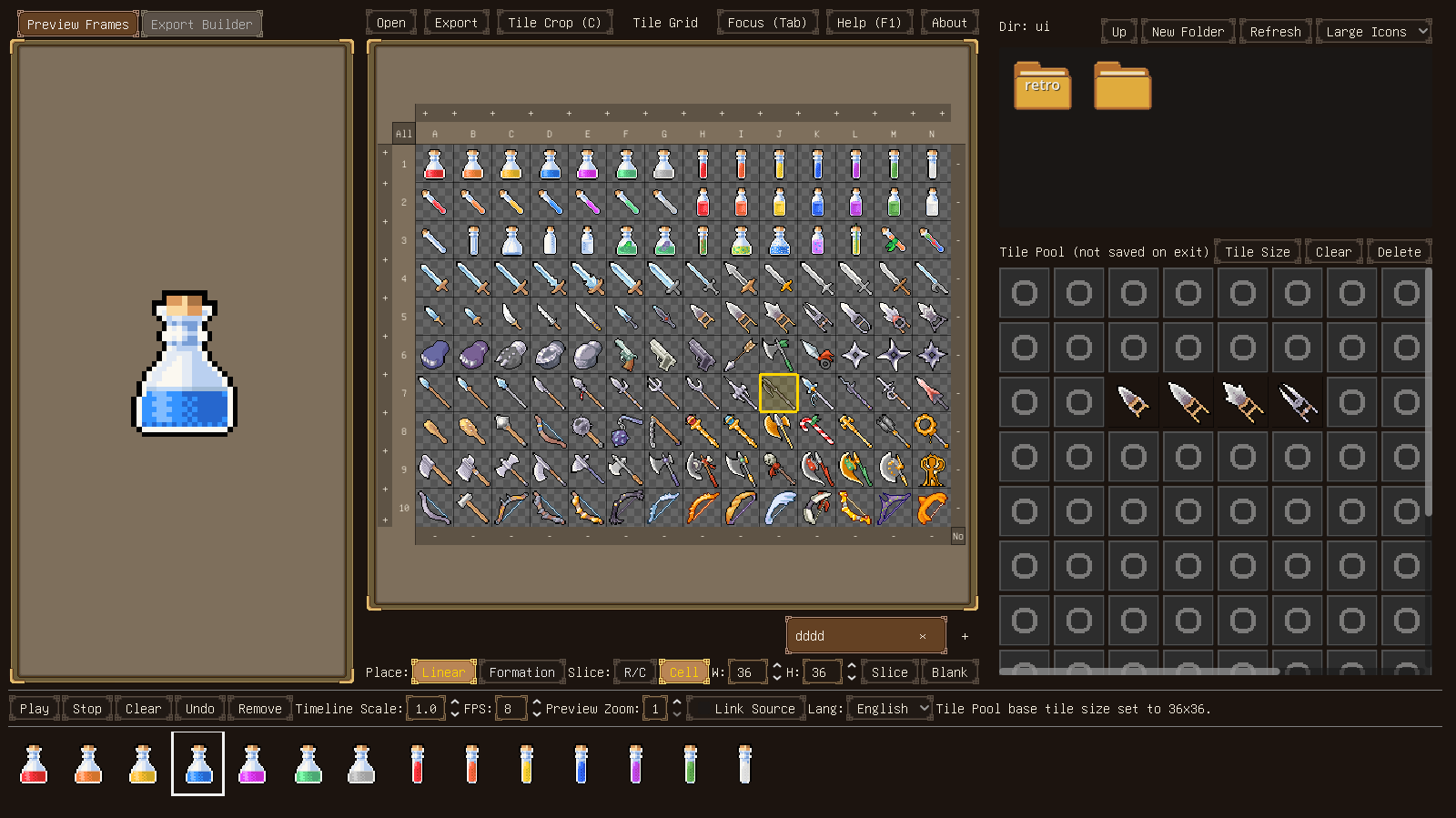
A standalone, sprite-sheet-first editor: it focuses on editing the atlas itself (not painting, not a timeline).
Use it to rearrange, swap, and rebuild sprite sheets quickly—then export data for your pipeline.
Why I made it
In image processing software, simply selecting and swapping two tiles often means guides, precise selections, and repeated nudging.
In timeline-based pixel tools, a sheet usually has to be imported as frames first, which is overkill when you just want to reorganize an atlas.
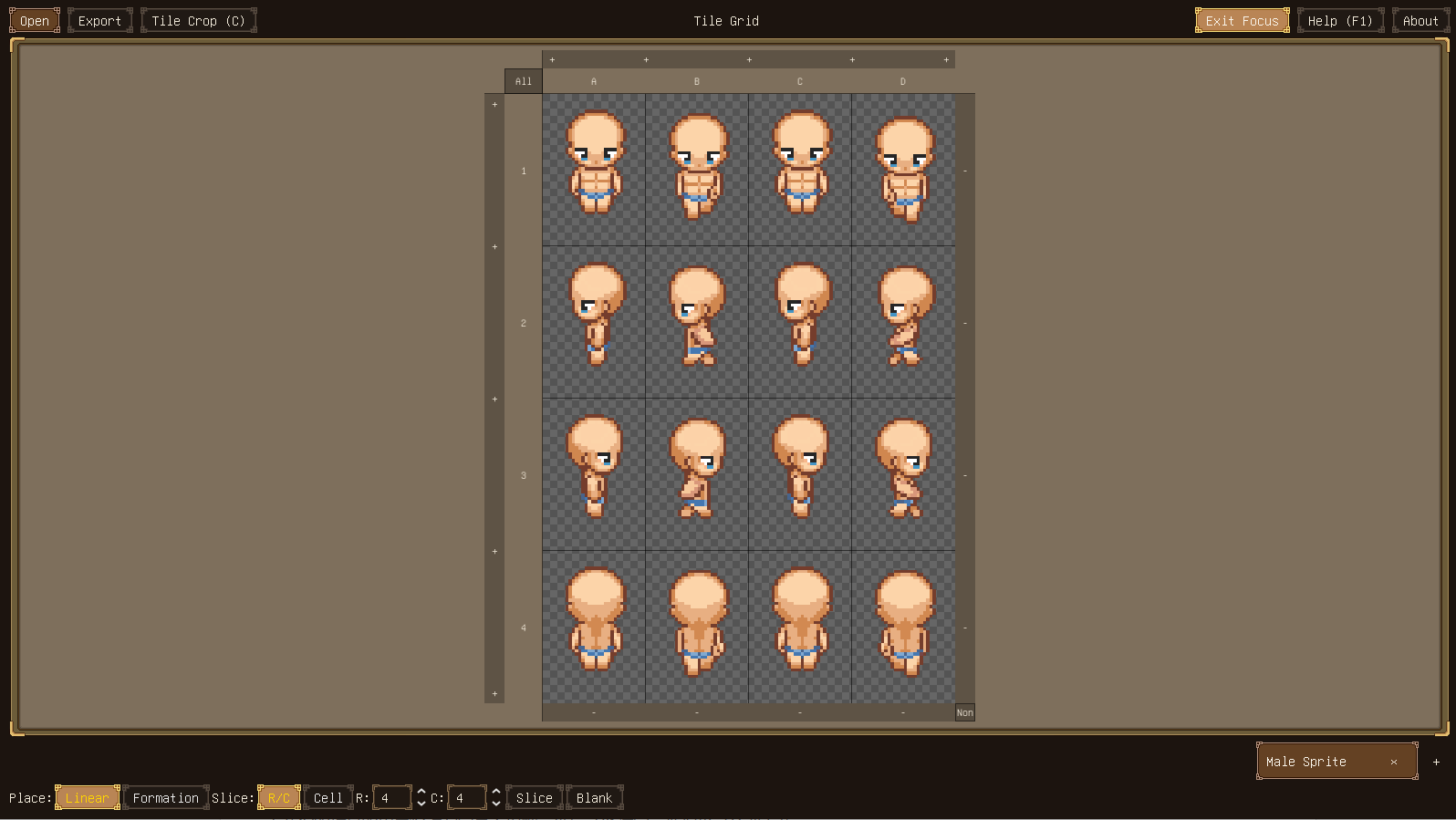
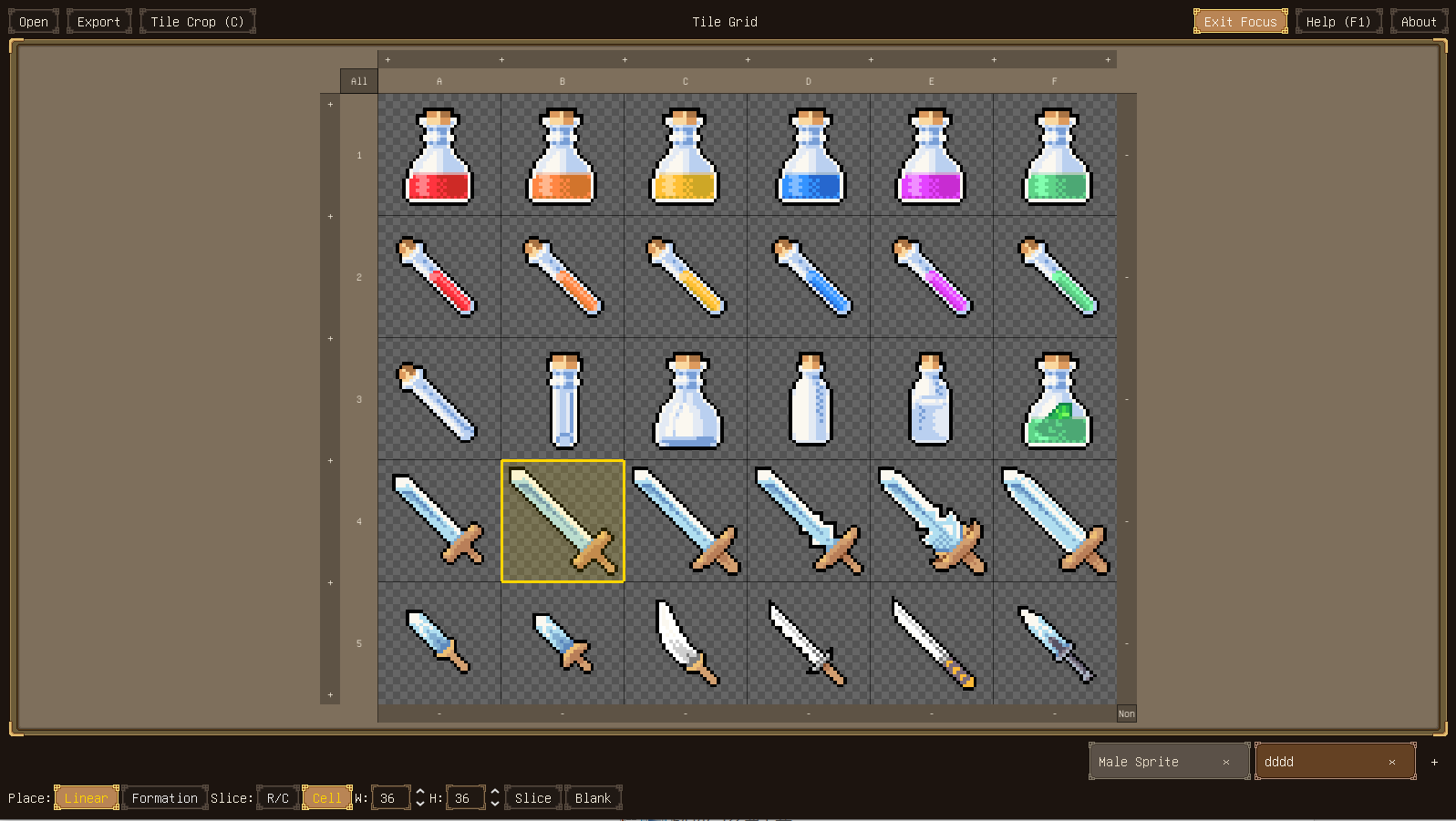
This tool is built around the atlas: click tiles, drag them, and rebuild your sheet directly.
Key features
- Multi-select and mouse-first editing
- Cut/Copy/Paste
- Cross-atlas operations: move sprites between sheets
- Paste modes:
- Linear paste
- Keep-formation paste
- Drag-out export: drag selected frames to a folder to generate image files
- Folder pack to atlas: collect images from different atlases into a folder, then right-click to pack them into a new atlas
- Quick animation checking: preview a chosen sequence to verify ordering and timing
Export
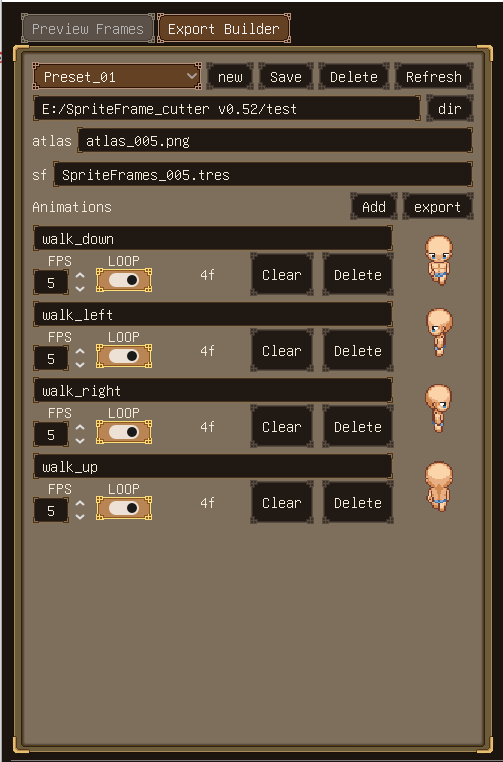
- PNG — export a rebuilt atlas image
- JSON — export frame coordinates/metadata
- Godot SpriteFrames .tres — export ready-to-use resources
Platforms / Download
Windows only (ZIP). Unzip and run.
Price / License
Free.
AI disclosure (more detail)
This project uses Generative AI in a limited way:
- Graphics: the logo started from an AI draft, then was manually pixel-edited and color-index corrected by me. All UI styles except for the logo are manually drawn.
- Text: some UI/help text was drafted with an LLM and then reviewed/edited by me.
- Code: AI-assisted code was used during development, but all released code is reviewed, maintained, and tested by me.
- No AI-generated sounds are used.
Changelog
v1.0
- Per-monitor UI scaling: configure a custom UI scale for each monitor/resolution so the interface feels comfortable on every screen setup. Settings are stored in a config file beside the executable, so if you accidentally set an unusable scale on a small display, you can reset it back to 1.0 manually.
- UI refactor + collapsible panels: the Animation Preview area and the Timeline can now be collapsed independently. If you prefer a minimalist layout that only keeps the atlas and tile pool visible, you can do that.
- Multi-pane atlas workflow (up to 4 panes): the tile grid panel has been reworked into a multi-pane layout. You can create up to four panes, split them freely, drag an atlas tab out to create/move it into another pane, and even reorder/swap atlases across different panes.
v0.56
- External Drawing Tool: configure any external painting app executable in Settings and launch it quickly from the context menu to edit an atlas or a single tile.
- Ctrl+S quick-save backups: automatic rotating backups with a configurable retention limit (default 5, minimum 1).
- Backup directory: quick-save backups are stored under
.sfc_work/backups/for easier management.
v0.531
- Auto-refresh on focus: switch back to SpriteFrame Cutter after editing the source PNG externally and it reloads automatically if the file changed.
- Refresh button still there as a manual fallback.
Of course, all the core features are already included in v0.56—you don’t need to pay to manage your sprite atlases with SpriteFrameCutter.
Important update: I have discontinued the v1.0 download in this project. This is because the previous paid version (v1.0) cannot automatically receive future upgrades or access to the new Pro features (such as the built-in Tile Editor) within this same page.
If you previously purchased or supported v1.0 (or any paid amount) on this project and would like to upgrade to the latest Pro version (v1.1 with ongoing updates), please send me a private message on itch.io with your username/email used for the purchase. I'll personally provide you with a download key for SpriteFrameCutter Pro as a thank you for your early support. ❤️
Thank you for understanding—this helps me focus development on the dedicated Pro page moving forward!
Download
Click download now to get access to the following files:
Comments
Log in with itch.io to leave a comment.
Hi!
I’m looking for the one person who supported SpriteFrameCutter with the $2 purchase on the free project.
I don’t have a way to contact you directly, but I’d like to give you a special download key for the new SpriteFrameCutter Pro v1.1 version as a thank you for your support.
If this is you, please send me a private message here on itch.io with your itch.io username, and I’ll make sure you get access safely.
Thanks so much again for your support!
感谢制作!
感谢支持!
Such a great tool! It saves me tons of time when making sprite sheets.
Thank you for your kind words!
I’m happy this little tool has helped you save time.